Desktops
This page contains screenshots of some of my Windows desktops from over the years, as well as some additional context and comments on them.
Windows 8.1 -> 8 Consumer Preview
February 2023
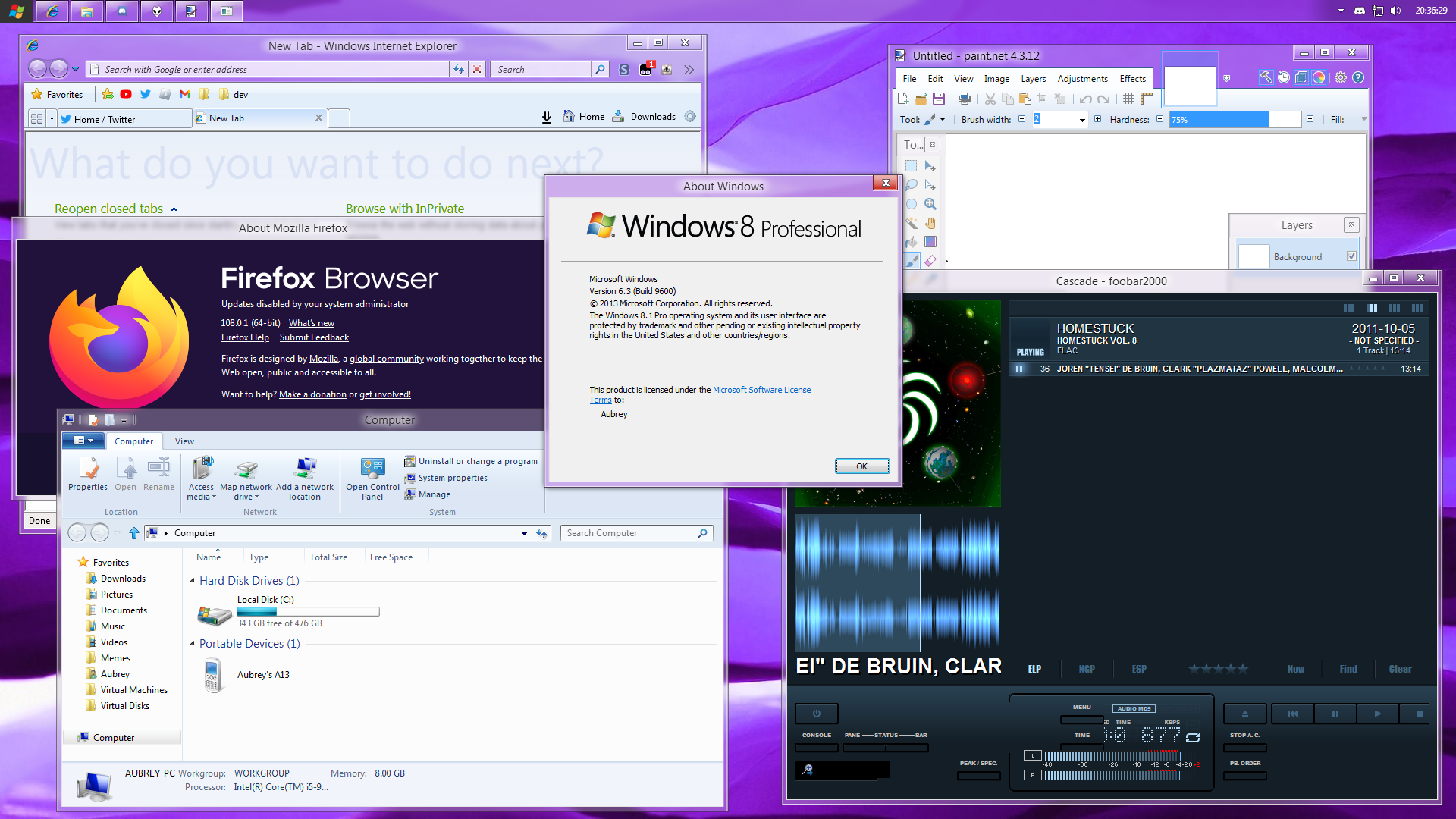
This setup is a Windows 8.1 setup, themed to look like Windows 8 Consumer Preview (build 8250). It's mostly good, but the Firefox theme (Aerofox Continued) and the branding (modified Windows 7 branding) aren't something I'd ever use in 2024.
Windows 10 -> 7 (Basic Theme)
March 2023
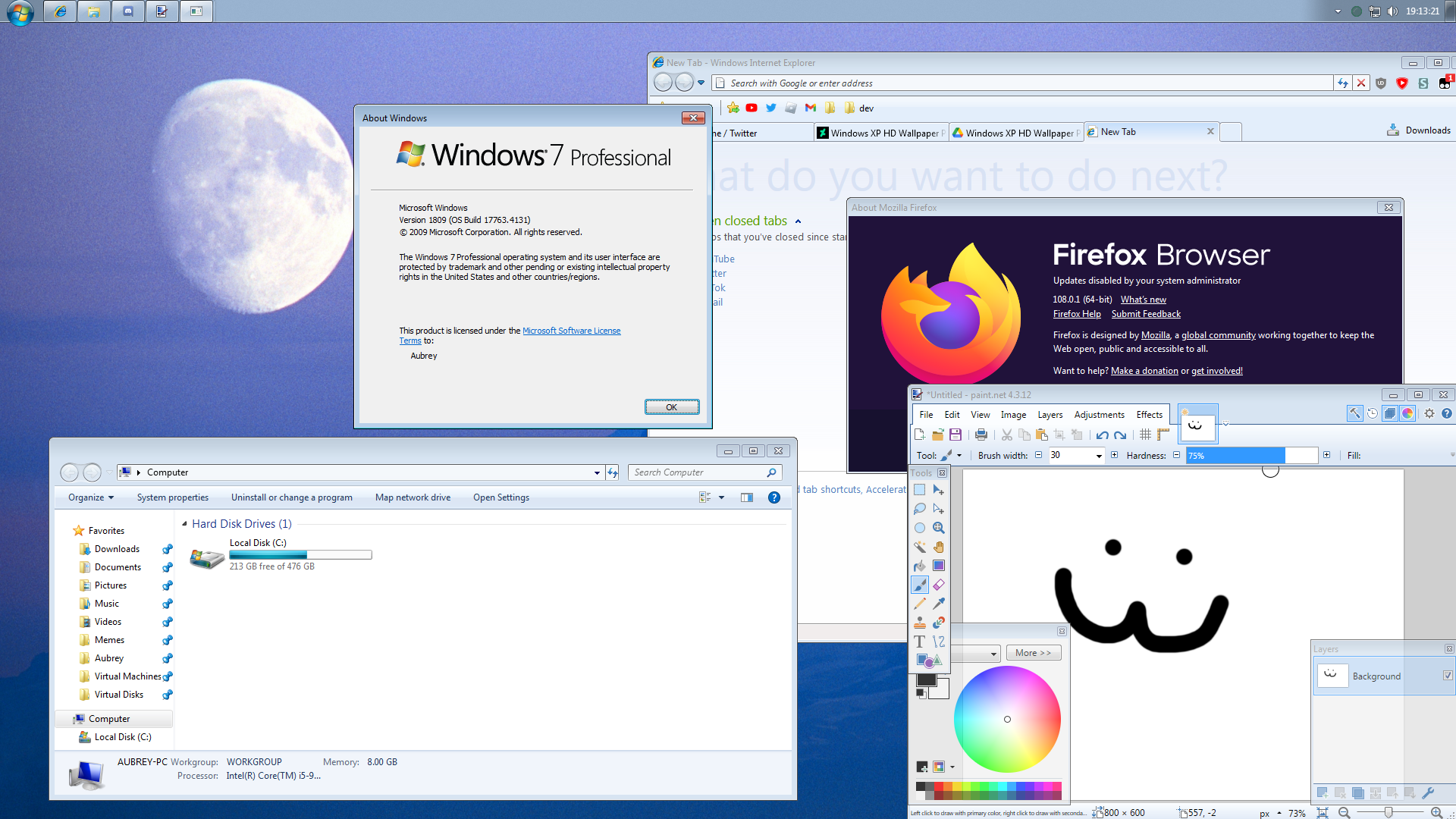
This setup is Windows 10 LTSC 2019 (1809) themed to look like Windows 7. Back then, this setup was pretty amazing. These days, it makes me want to vomit. First off, I was using the same Aerofox Continued theme, but I put Firefox in compatibility mode to get it to look right, so it has thin borders. Second off, the tray clock is too short; the one in Windows 7 had more horizontal margin. And it's not visible here, but StartIsBack++ absolutely sucks for basic theme. The thumbnails and jump lists look terrible. As well, the Explorer has the following issues:
- Weird space to the right of search box
- Weirdly thin refresh button
- "Open Settings" on the command bar
- Windows 10 icons on the right of the command bar
- Terrible navigation pane tree sizing
- Awful looking back and forward buttons
- Pins under Quick access ("Favorites")
Granted, this was before I took the time to make Aerexplorer or even write a Windhawk mod at all, so these issues were expected and there was no known way to fix them, but it still irks me just how awful this setup looks. This is probably the worst one that I'm including here.
Windows 7 -> Vista
March 2023
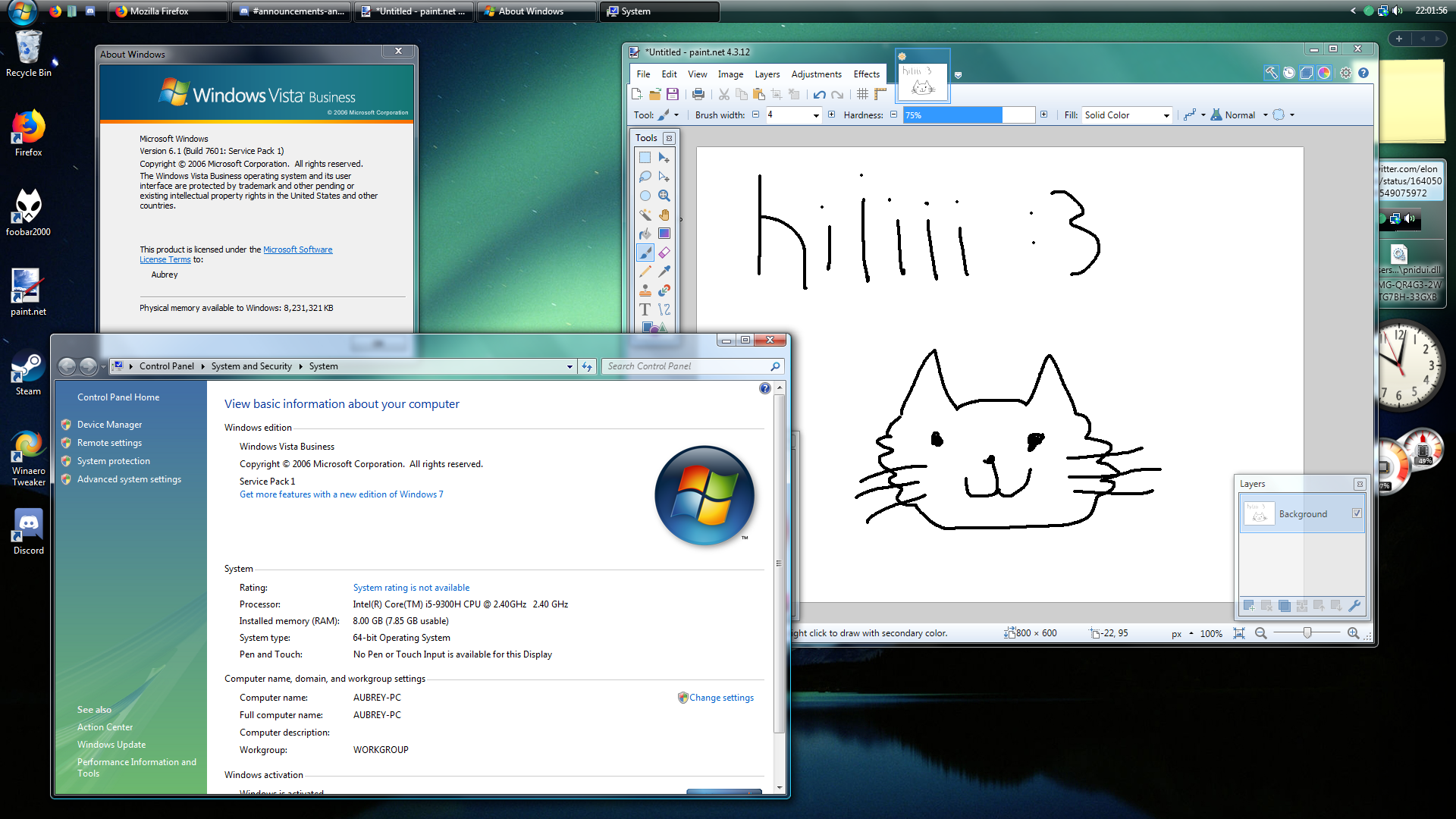
This one is Windows 7 themed to look like Windows Vista, not much to say here. The taskbar looks kind of off, with the items touching the bottom of it. My system actually doesn't run Windows 7 normally; it has no CSM. I had to use UefiSeven to get Windows 7 running.
Lightly modded Windows 10
September 2023
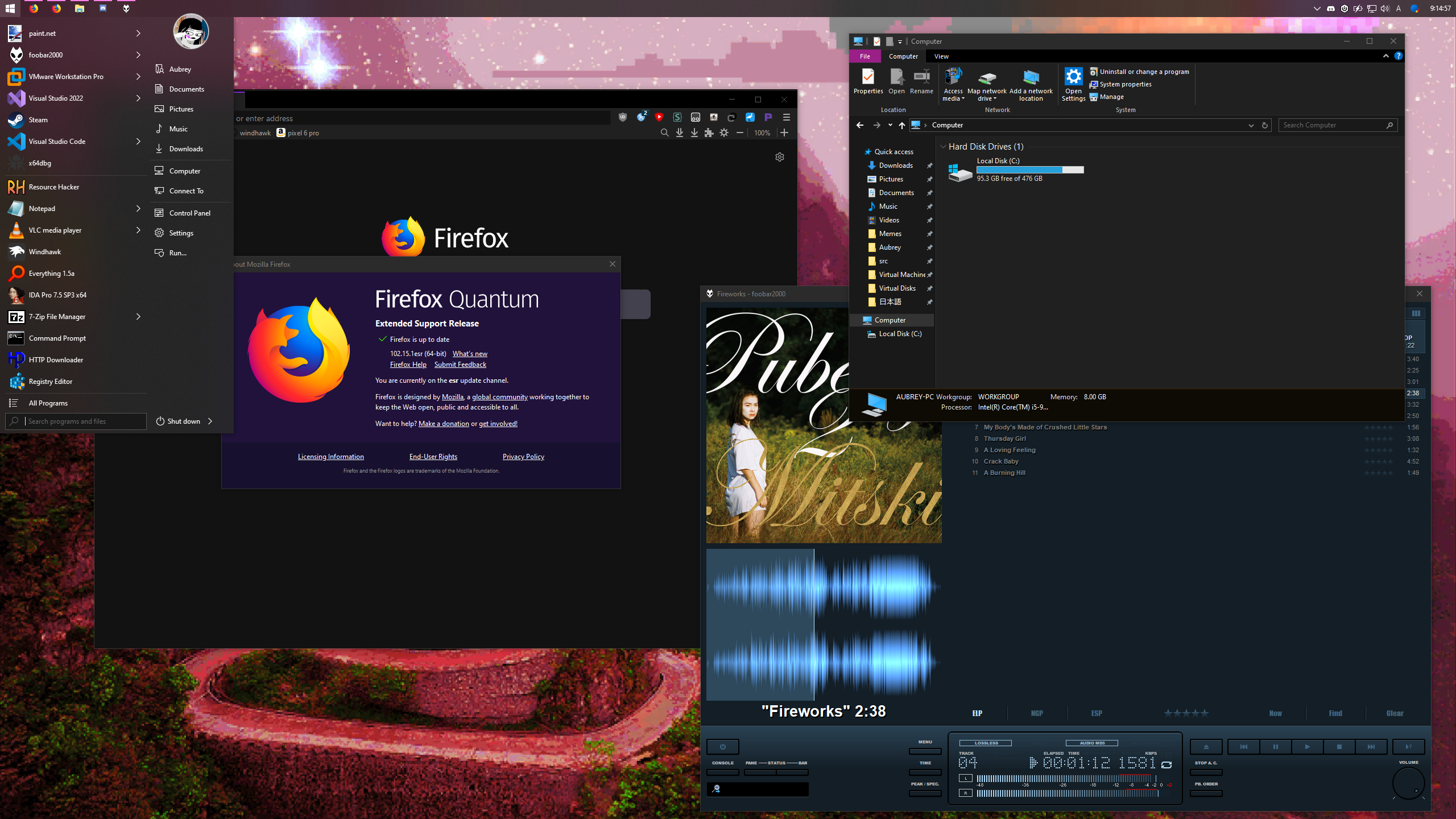
This is a setup I do very often: a lightly modded Windows 10. I'm kind of a perfectionist, so most of the time, I'm not satisfied enough with how accurately you could get Windows 10 looking like older versions, so I just use a Windows 10 IoT LTSC 2021 (21H2) install lightly modded to my liking.
Windows 10 -> XP (Classic Theme)
October 2023
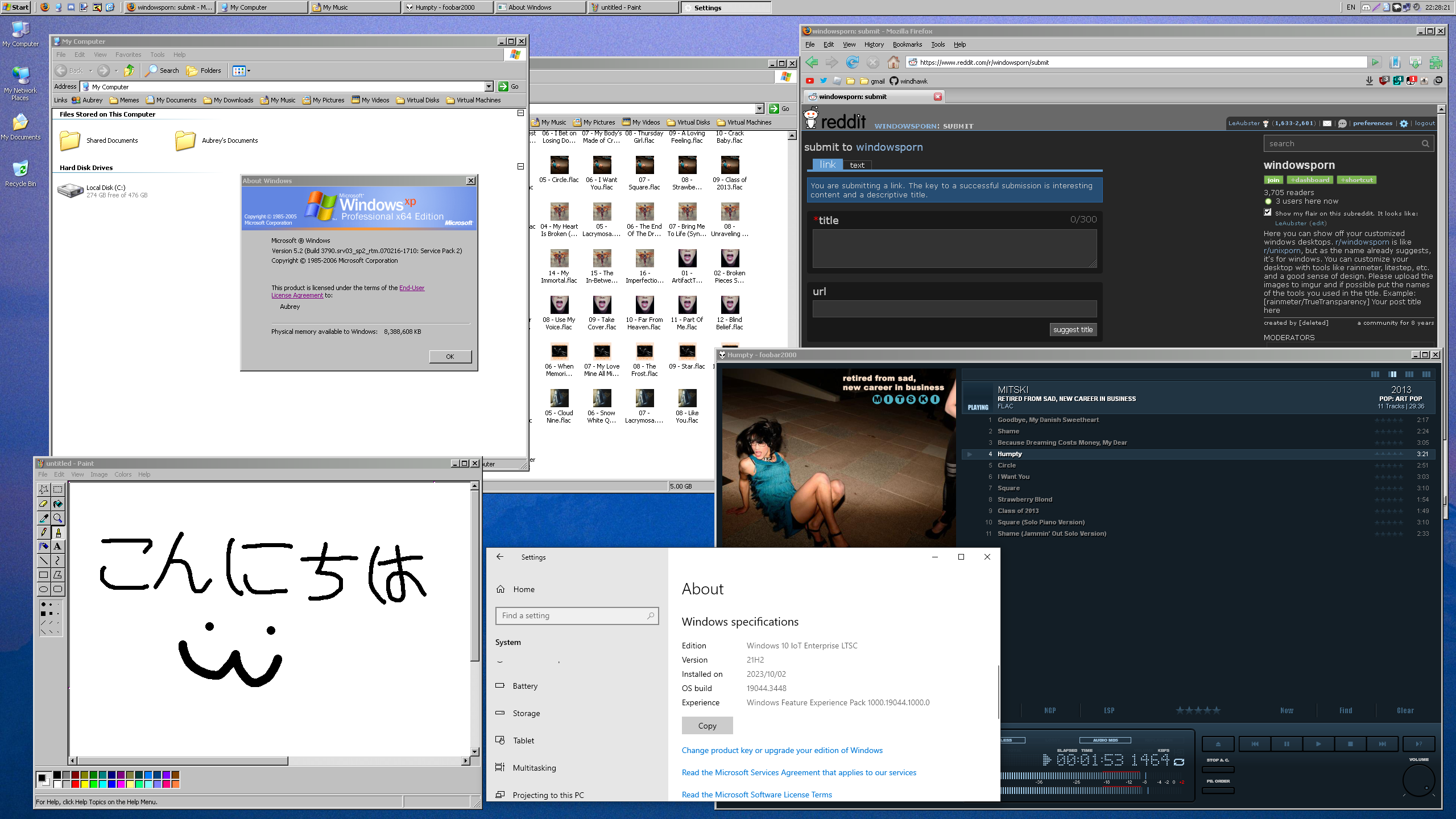
This is probably my best setup of all time. I had to grind for it too. I did so much for this setup. The Firefox 2 theme you see was made completely by myself. I also made a Windhawk mod for the Windows 10 taskbar to have classic themed task items, a Windhawk mod for Explorer to have 32px icons, a Windhawk mod to fix the appearance of the list group headers, etc. etc. I'm proud of this setup and I want to go back to a Windows XP classic theme setup one day.
Windows 10 -> 7 (Basic Theme) (again, but better)
December 2023
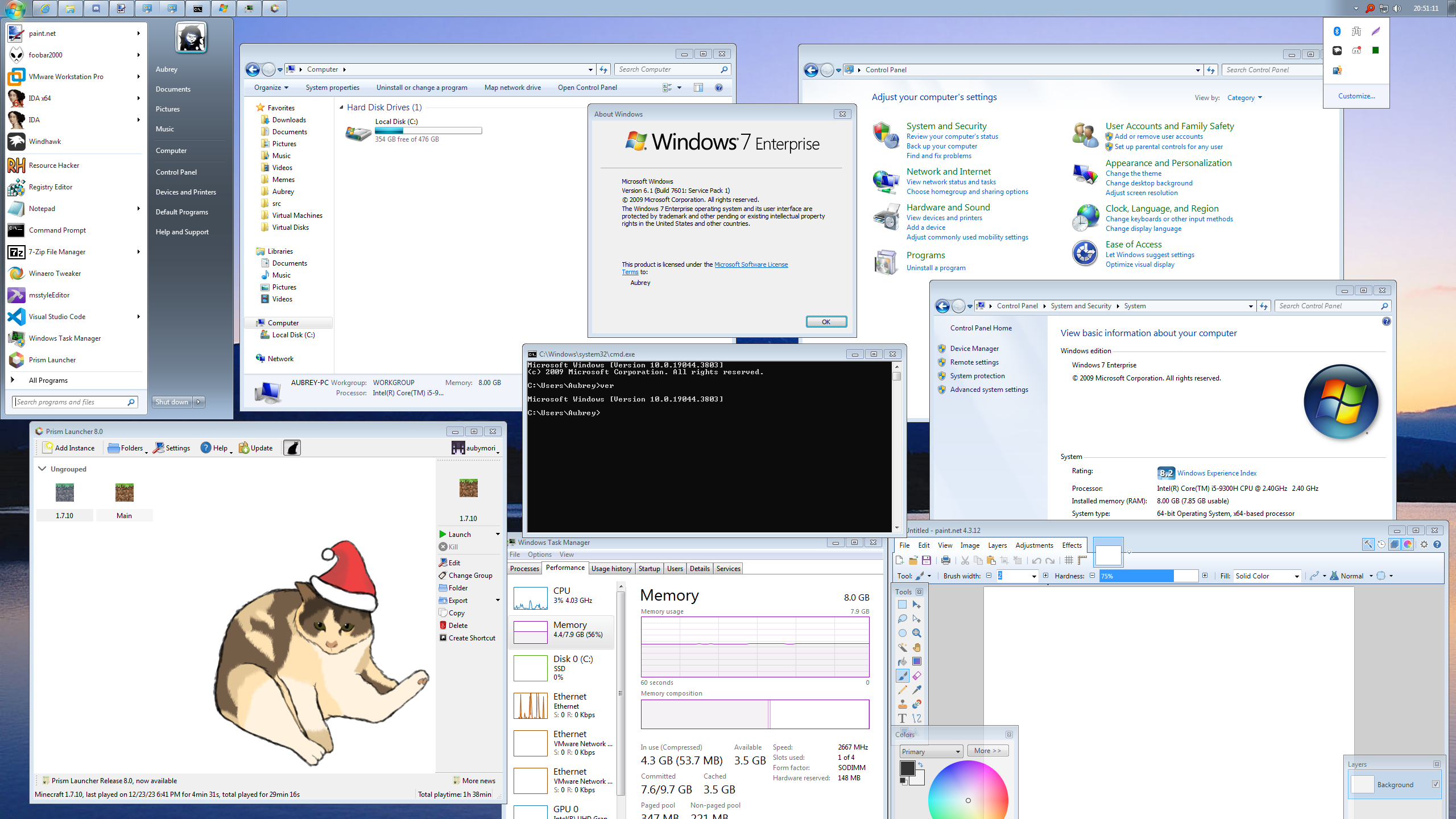
Nearly a year later than the first Windows 7 basic theme setup, this one is so much better. It's also based on Windows 10 IoT LTSC 2021 (21H2) instead of LTSC 2019 (1809). I have not much to say, except that Explorer's appearance is enhanced by my Windhawk mod, Aerexplorer, which was new at this time. I also made a Windhawk mod, Aero Tray, which is how I got the tray overflow looking like that.
Windows 10 -> 8 Developer Preview
April 2024
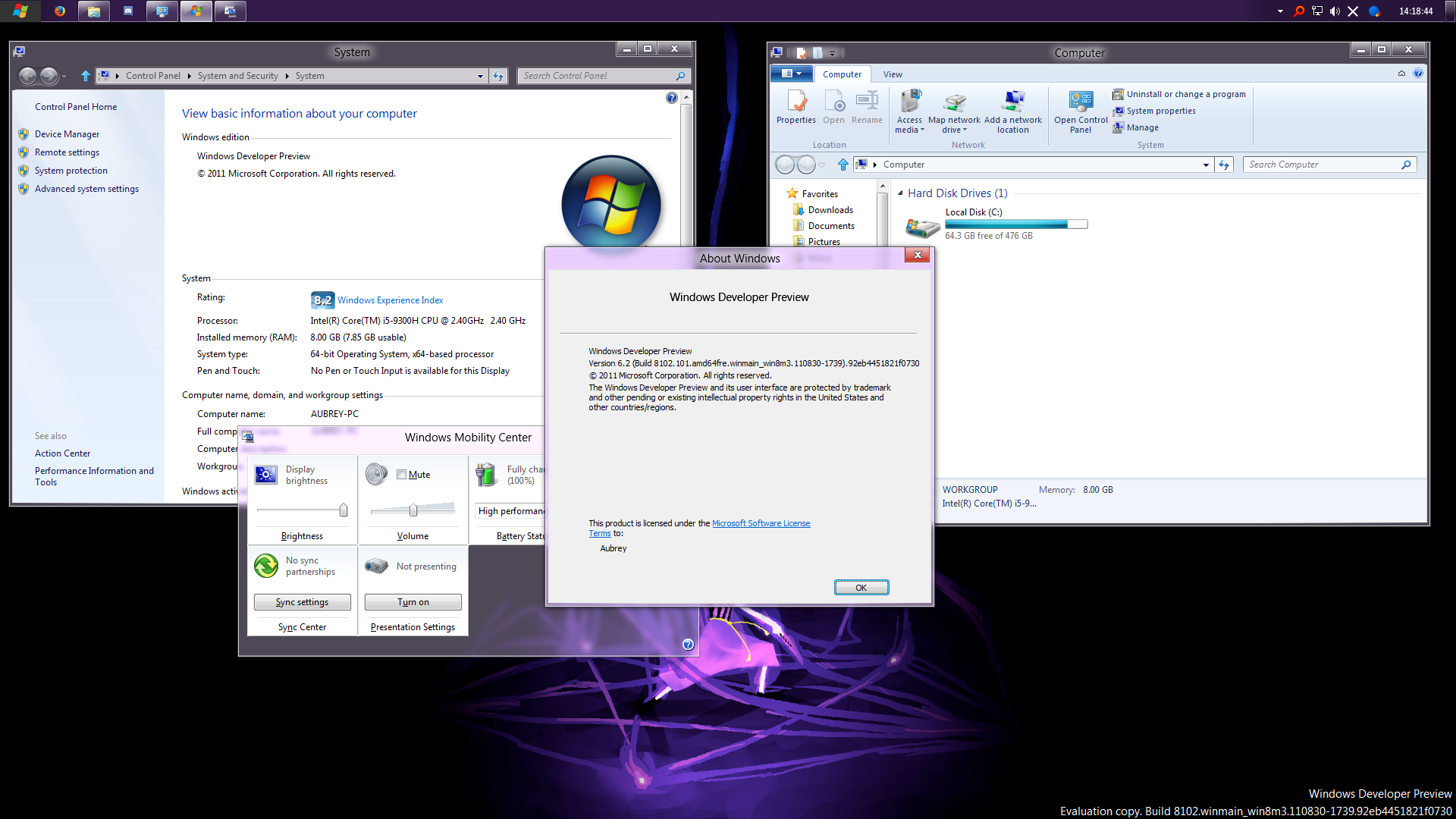
This is Windows 10 IoT LTSC 2021 (21H2) themed to look like Windows 8's Developer Preview, which looks pretty similar to the Consumer Preview, which I themed 8.1 to look like a year before this. The glass in this setup was done with OpenGlass, but I eventually switched out of this setup due to performance issues with it.
School laptop (Windows 10)
November 2024
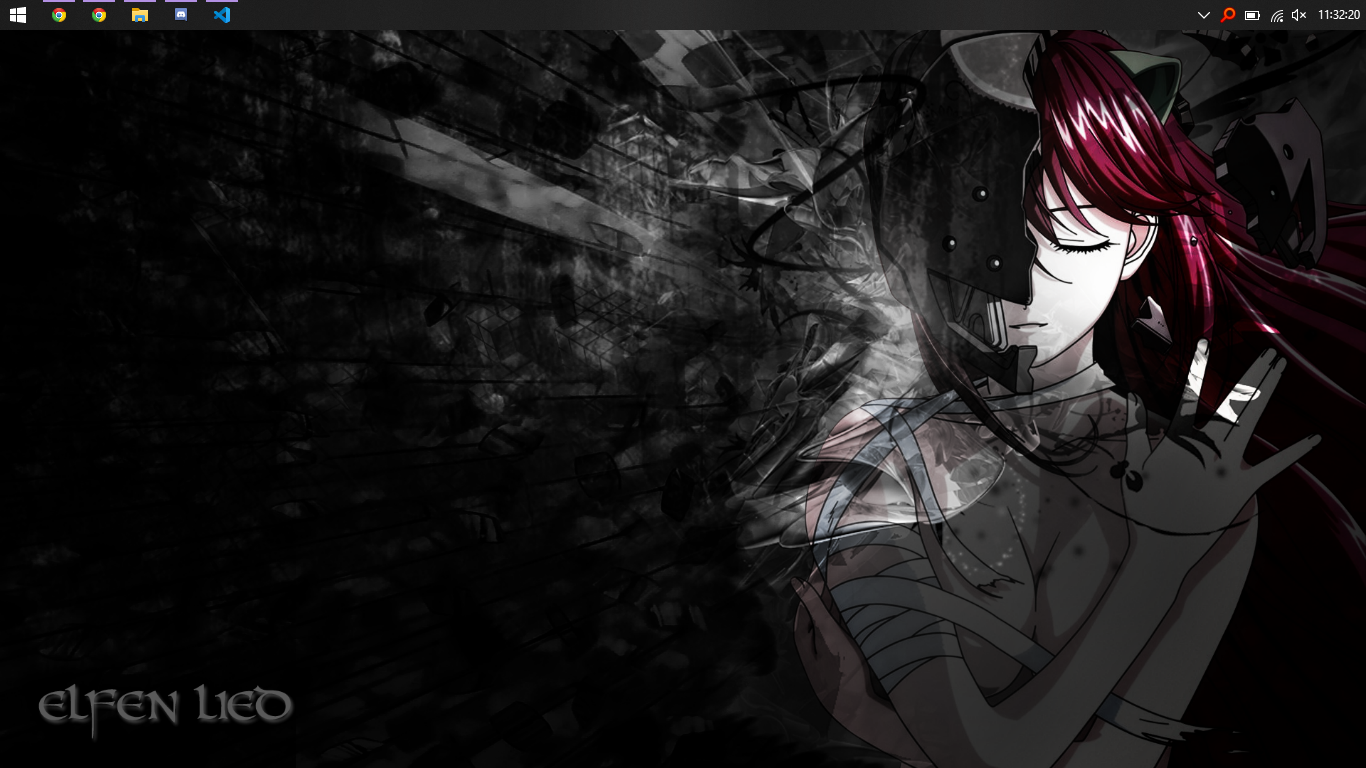
During this time, which also happens to be right now as of writing this, I was unable to use my main laptop, so instead, I created a separate partition on my school laptop and installed Windows 10 IoT LTSC 2021 on it. It's served me well, but I missed my main laptop.
Windows 10 -> XP (Classic Theme) (again, but better)
December 2025
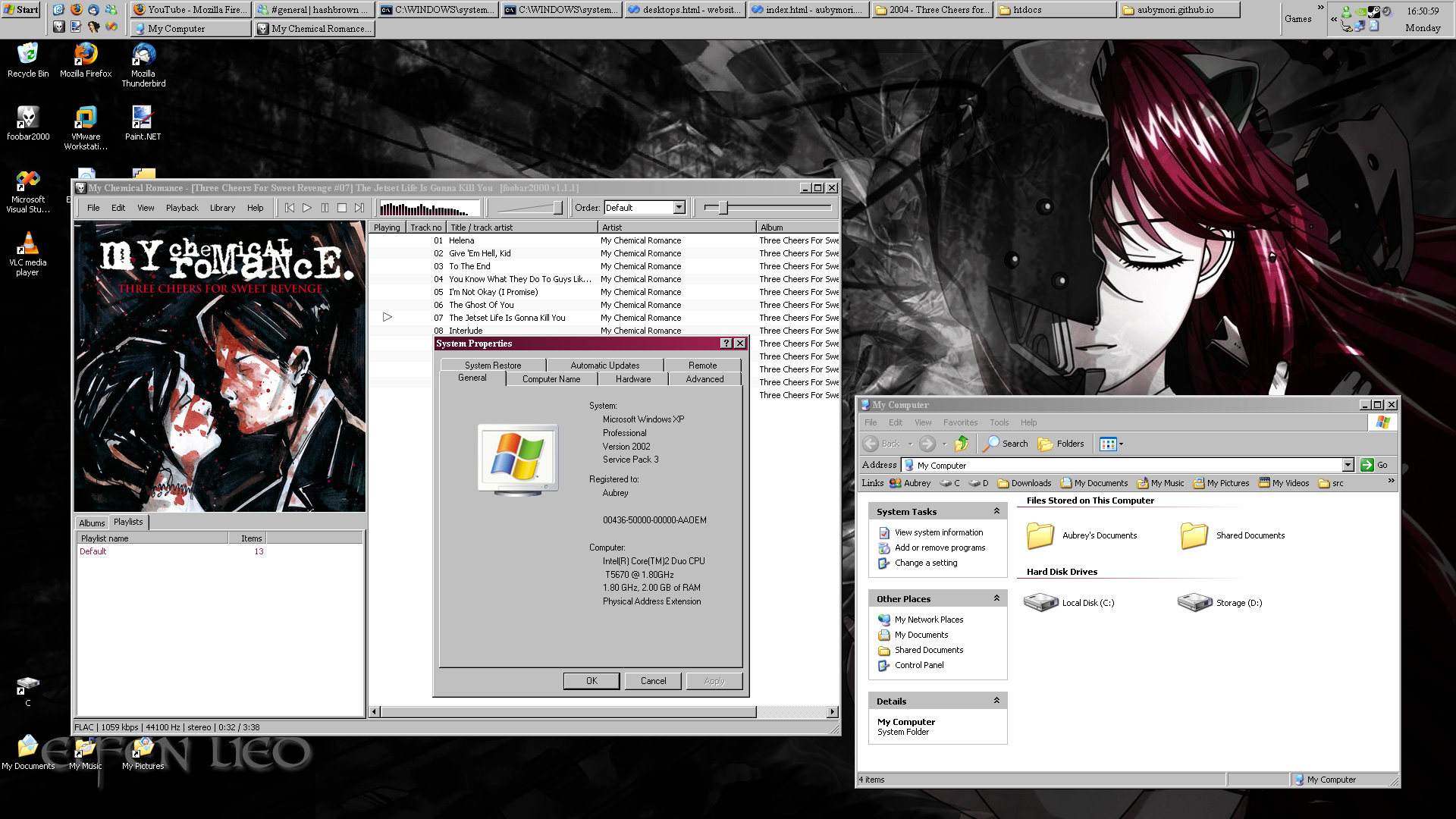
I started this setup in October, but I'm only now getting around to showing it off, as I'm rewriting my website. This setup has been a long time coming, and I've again put in a lot of effort to get it to where it is. This setup uses ExplorerEx, which I have contributed to. It is not visible here, but I also finally managed to restore the classic minimize/maximize animations, which was a tough battle that took multiple people (mostly me and kawapure) redoing it with multiple approaches over multiple years.